Wavo
Local dictation: hold a hotkey, speak, and the text lands where you type
ProductivityFree
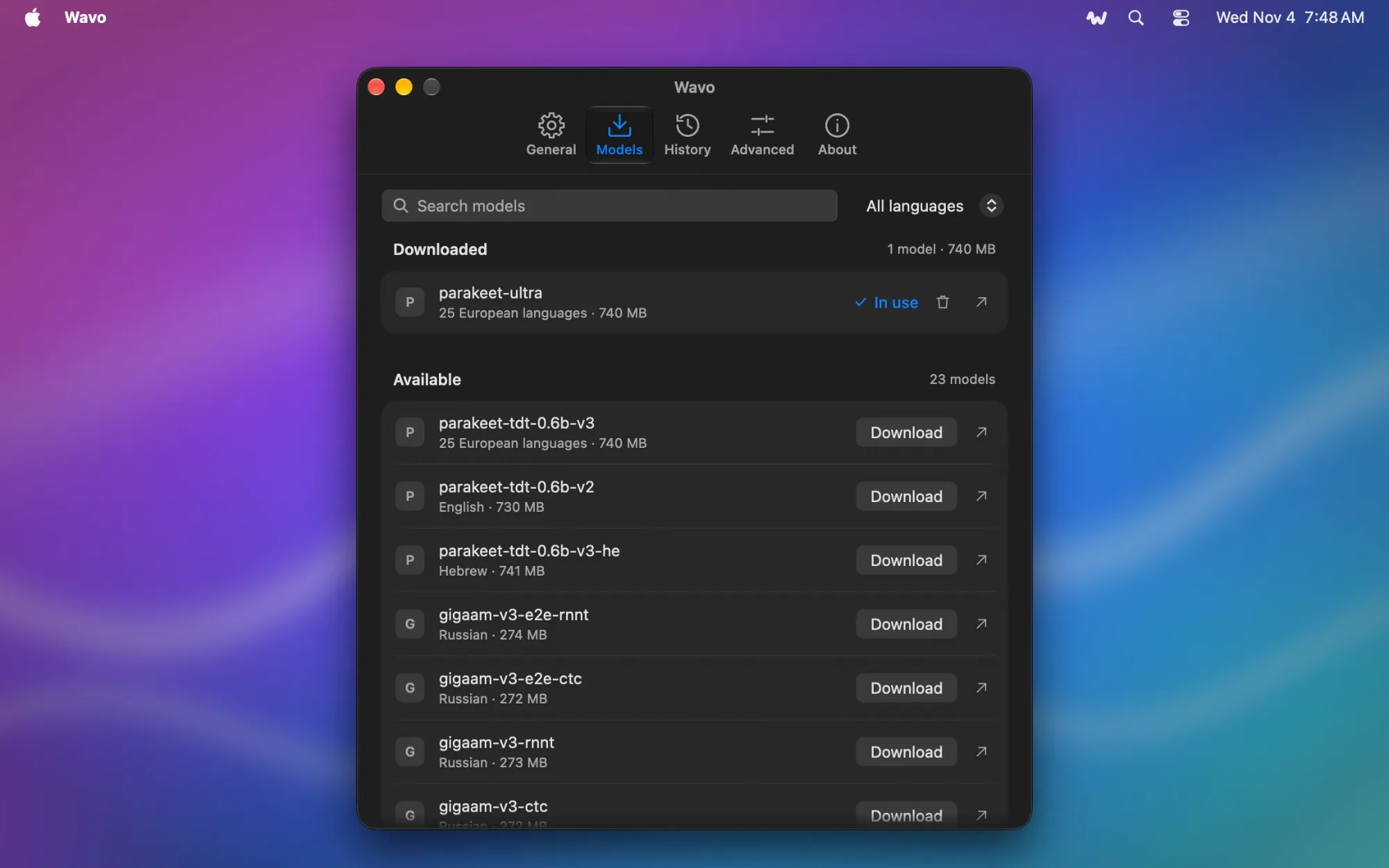
About Wavo
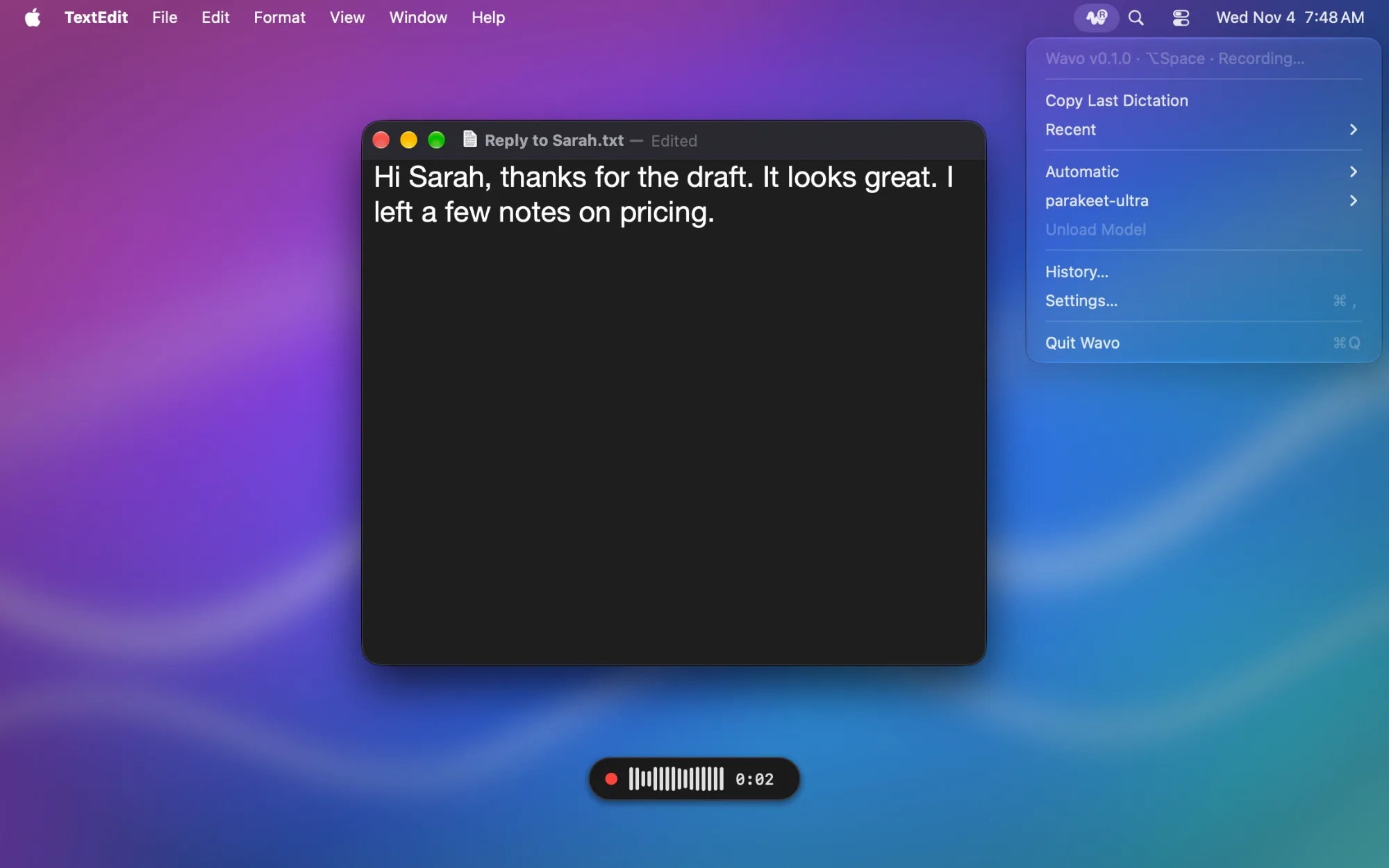
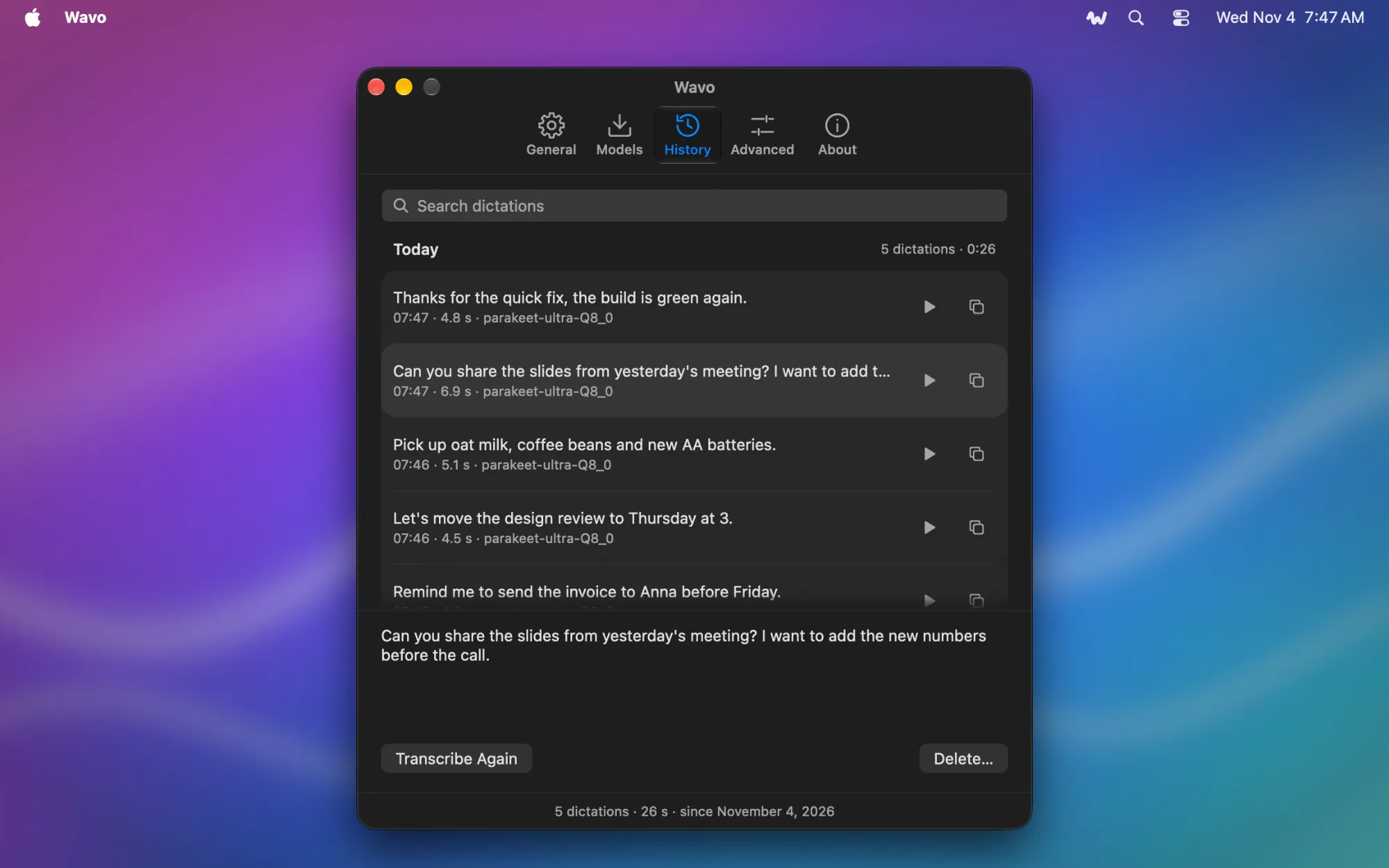
Hold a hotkey, speak and let go: the text lands where you were typing, in any app. Everything runs on your Mac. Speech is recognized on the Neural Engine or the GPU, with no account, no subscription and no cloud, so your voice never leaves the computer and dictation works offline. Nothing gets lost. Every dictation is saved with its recording, so if the text went to the wrong window or you want it again, it's in the history: search it, play it back, transcribe it again or export it. Wavo keeps the end of a phrase after you let go of the key, and leaves your clipboard as it was. A native app, not a web page in a window: light on memory and battery, quiet in the menu bar. A small indicator shows that it's listening and never steals the focus. It picks the right microphone by itself and speaks 100 languages. Free and open source, also on Windows and Linux. Needs macOS 14.2 or later on Apple Silicon.
Ratings & Reviews
This app hasn't received any ratings or reviews yet.
Tap to Rate:
Alternatives to Wavo
See all Alternatives to Wavo