 Mac Browse
Open in Office
Double-click Office files on your Mac to open them in Microsoft 365 Online
About Open in Office
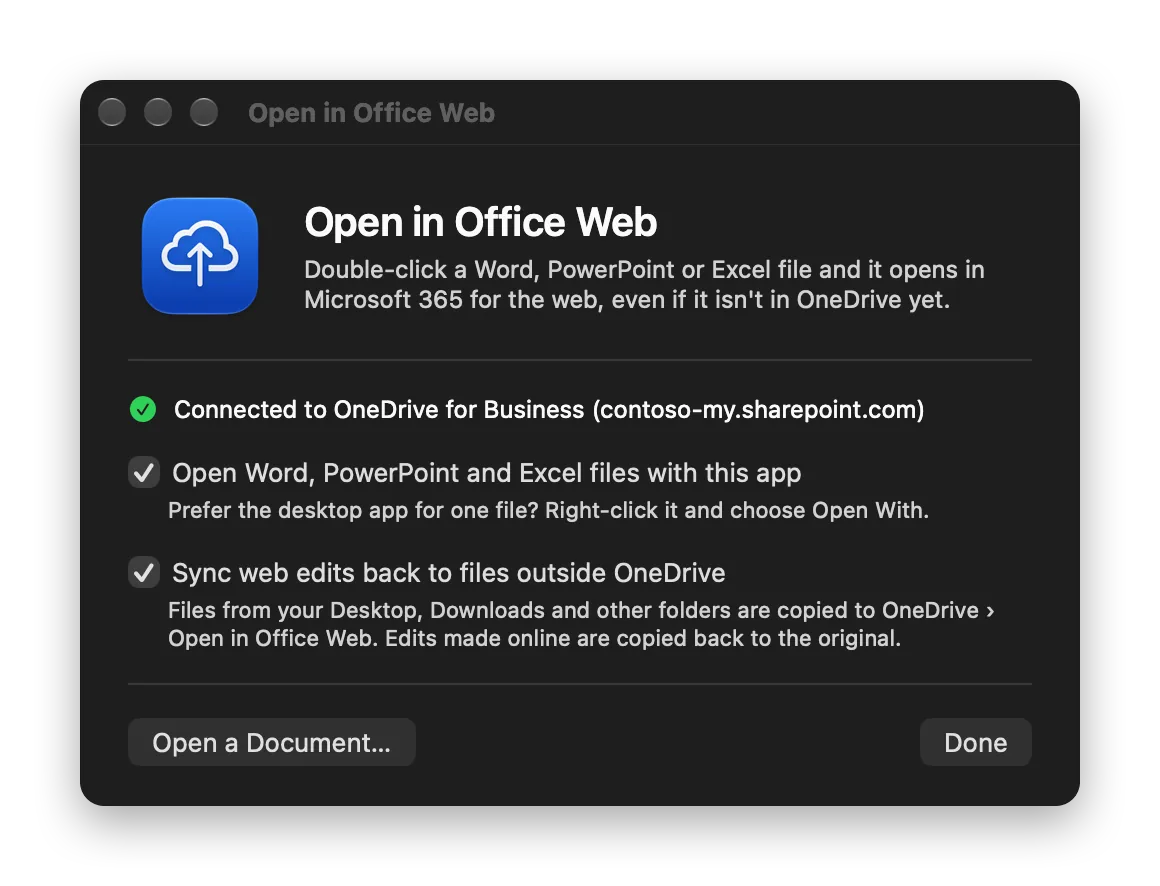
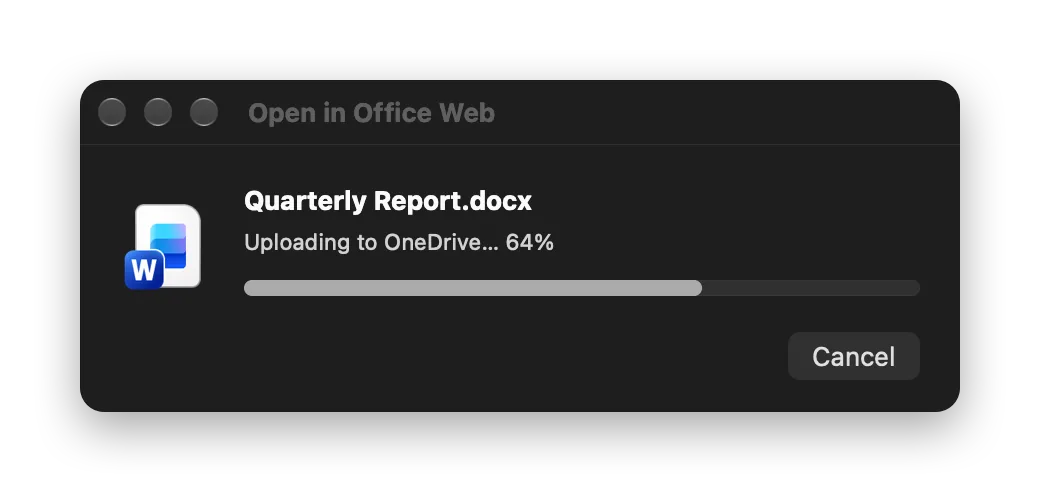
Office for the web is often all you need: it's fast, always up to date, autosaves, and shows your colleagues' edits live. But on a Mac, double-clicking a .docx launches the heavyweight desktop app, and a file in Downloads or on your Desktop can't be opened online at all until you upload it yourself. Open in Office Web is a tiny native app (under 2 MB, no Electron) that becomes the default app for Office documents and does the rest for you: Files already in OneDrive open straight in Word, PowerPoint or Excel for the web. Files anywhere else (Desktop, Downloads, an email attachment) are copied to a OneDrive folder. The app waits until OneDrive has finished uploading and then opens the copy online. Sync back: edits you make online are copied back to the original file, and edits to the original go up to OneDrive. Native sync status: progress comes from macOS's File Provider API, the same source Finder uses for its cloud icons. Nothing is guessed. Falls back gracefully: if OneDrive is offline or an upload fails, you get one click to open the file in the desktop app instead.