 Mac Browse

OtterTally
A native macOS revenue dashboard that brings Stripe and RevenueCat sales & subscriptions
Subscription
See which Swift builds and test runs your agents left stuck, and why
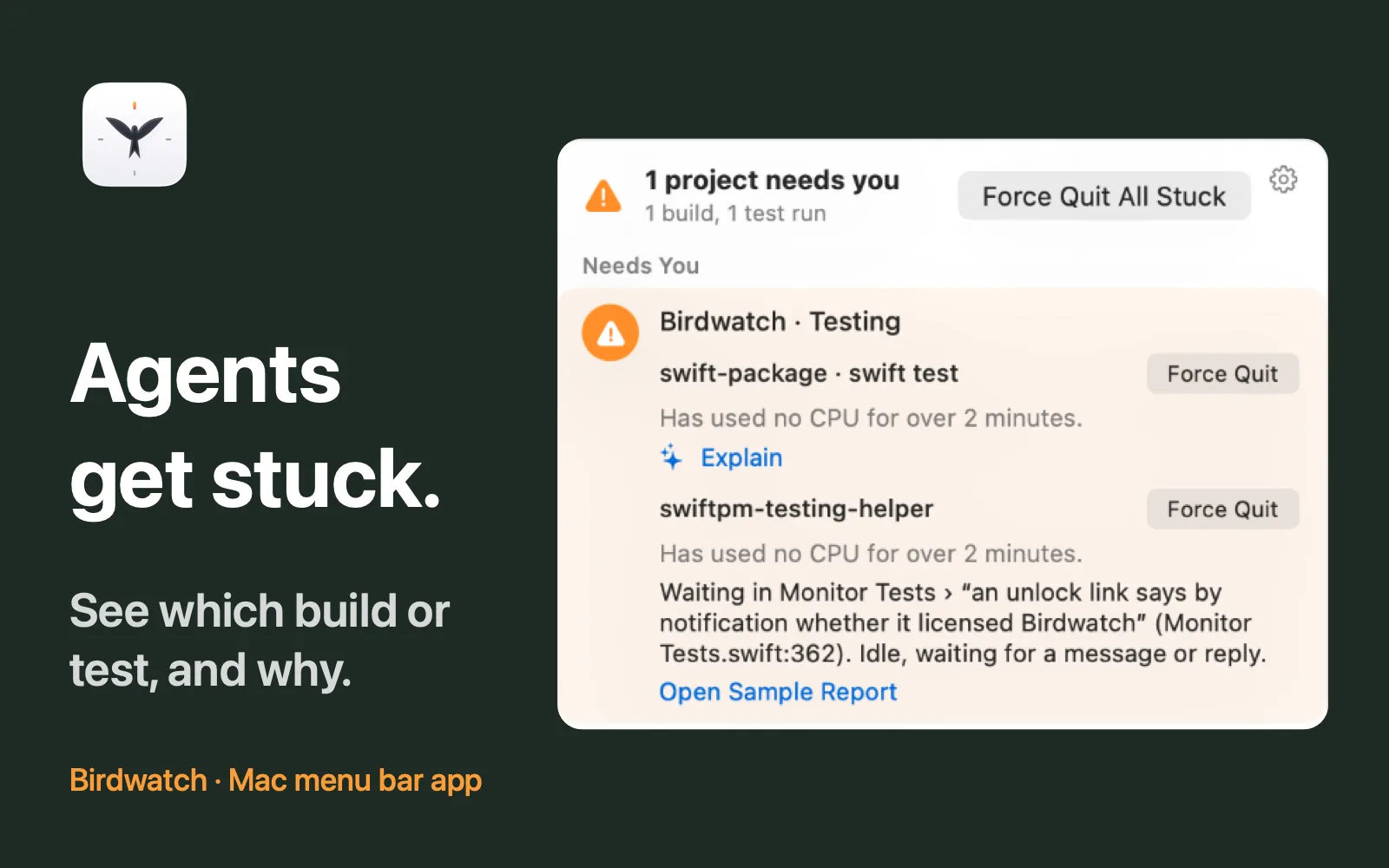
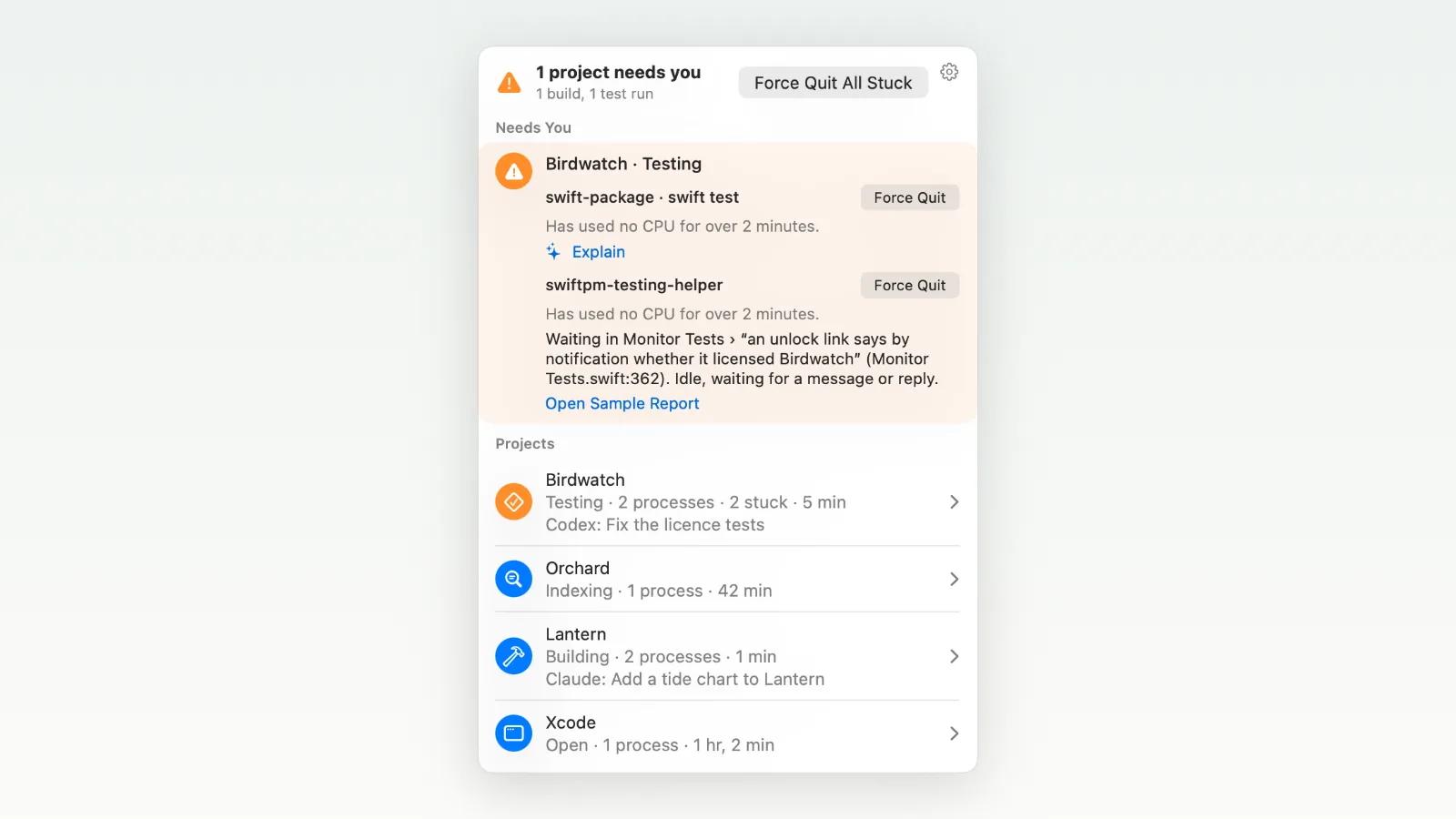
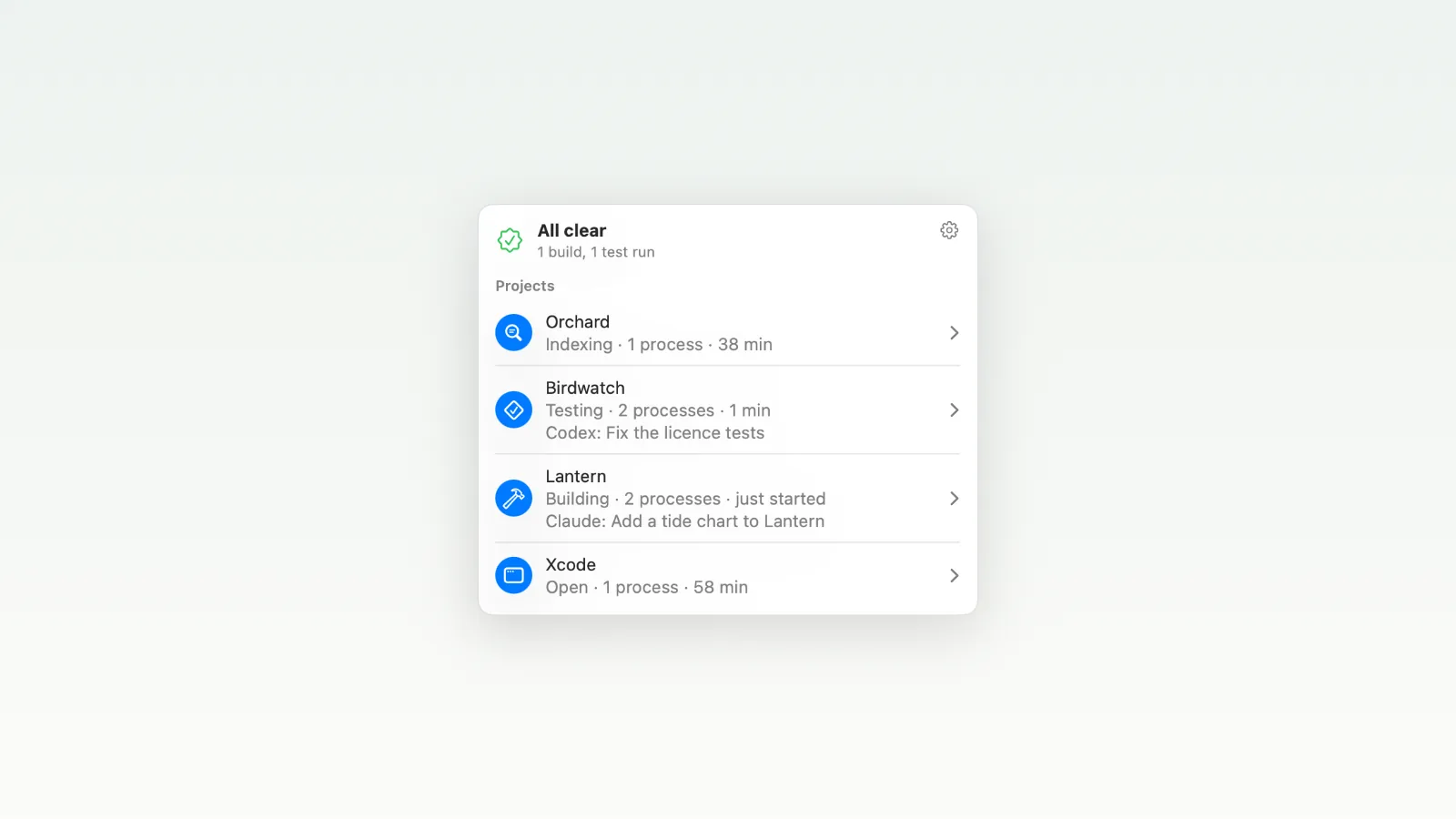
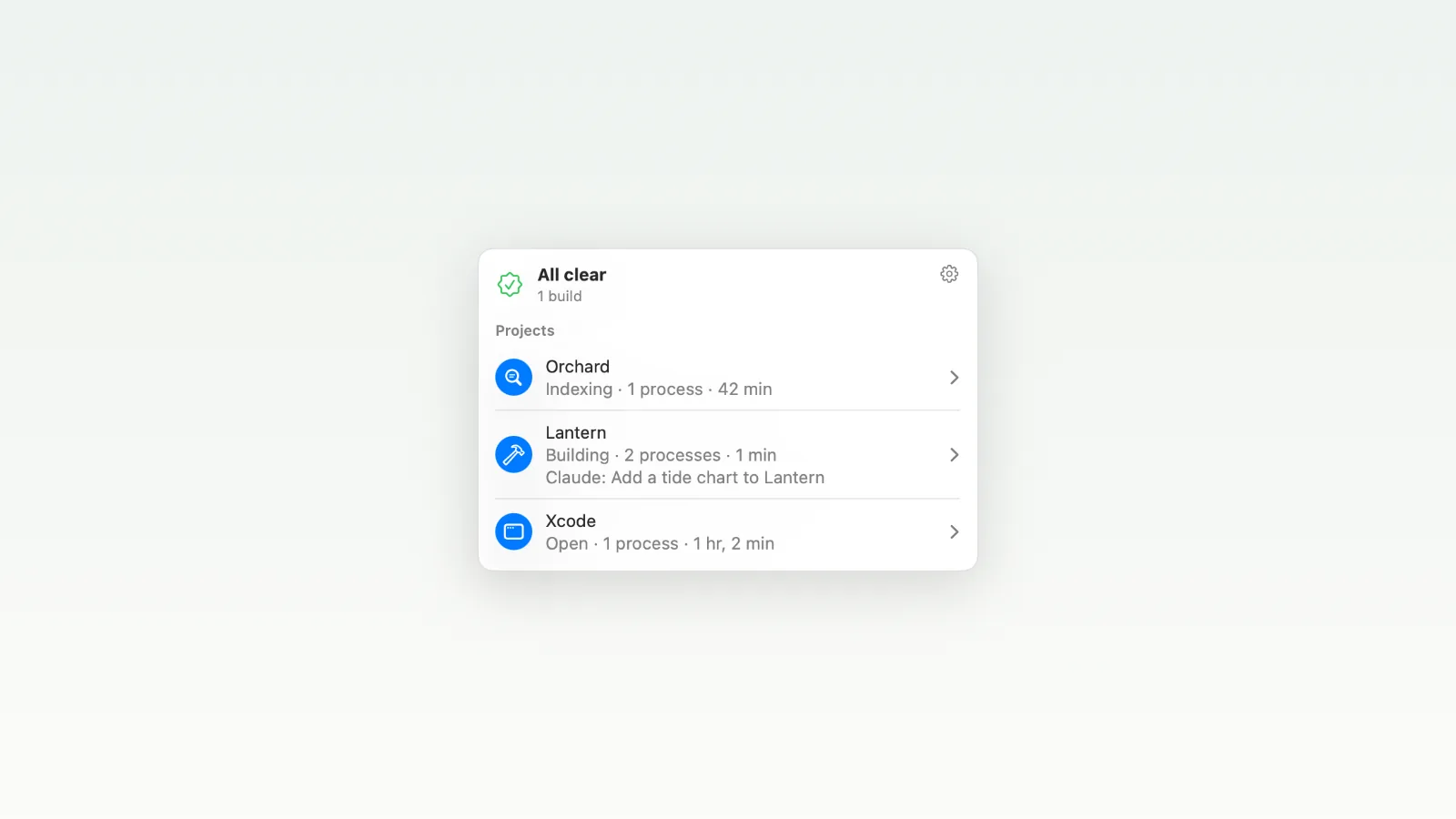
Agents get stuck. When you run several at once, in Xcode, the terminal and AI apps, it is hard to see which build or test run has stalled. Birdwatch sits in the menu bar and watches the processes agents start: Swift builds, test runs, compilers, SourceKit and LLDB. It groups them by project, flags the stuck ones, says why, and quits them in one click. It watches those processes, not the agents, and can show which Claude Code or Codex session started each one. For a hung test run, Explain names the test and its line. Otherwise Apple's on-device model writes the explanation, marked as AI, or Birdwatch shows the stack sample. Xcode gets a normal quit signal, never a force kill. Nothing about your code or processes leaves the Mac. €19 / $19 once, with 12 months of updates. The euro price includes VAT. Free for 14 days, no account. macOS 27.2 or later on Apple silicon. Notarized. Not sandboxed, because it reads and signals other processes. Install with Homebrew: brew install coenttb/tap/birdwatch
This app hasn't received any ratings or reviews yet.
A native macOS revenue dashboard that brings Stripe and RevenueCat sales & subscriptions
Subscription